Read your CBZ files in the browser
Sometimes you do not want to install anything, you just want to open the CBZ you have and read it. Drop the file here and it is converted for the device you pick; the moment it finishes, a Read button opens it in the browser, page by page, in a frame the shape of your e-reader. No app to install, nothing left on your machine.
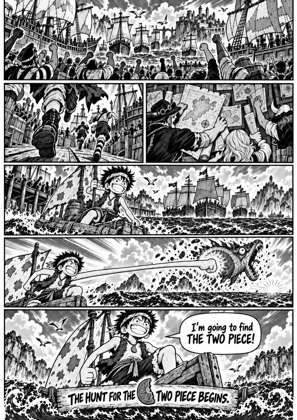
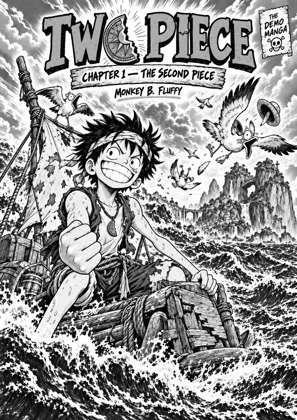
↑ Upload and configure in our Studio
It is the converted output you are reading, which is the point: what you see is exactly what will land on the Kindle or Kobo, so the reader doubles as the final check before you download the file or send it to the device.
- Files auto-delete after 24 hours
- No install, runs in any browser
- Free to use
- The genuine open-source KCC engine
How to read a CBZ online
Drop your file
CBZ, CBR, CB7, ZIP, RAR, 7Z, PDF or EPUB. Pick the device you read on, or keep the default; the reader frame takes that device’s screen shape.
Let it convert
The pages are processed by the Kindle Comic Converter pipeline: sized to the screen, cleaned up for e-ink, right-to-left if you turned manga mode on.
Press Read
The finished job shows a Read control. It opens the book in the browser with page turns on tap, click or the arrow keys, right-to-left for manga, and pages loaded as you reach them so a 400-page volume opens fast.
Download when you are happy
Liked the result? The download is next to the reader. Signed in, the file also waits on your Reader Shelf for the e-reader to fetch over Wi-Fi.
A reader shaped like your device
The reading frame uses the screen proportions of the profile you picked, so a Kindle Paperwhite conversion reads at Paperwhite shape and a reMarkable one at tablet shape.
Your files stay yours
Like the converter, the reader works on files you upload, and uploads auto-delete after 24 hours. Nothing is published or shared.
Frequently asked questions
Can I read a CBZ here without converting it?
No, and that is deliberate. The reader shows the converted pages, so it needs a conversion first. The conversion is free and takes about as long as unpacking the file would, and it means the pages you read are the pages your e-reader will show.
Is this a site for reading manga online?
No. It reads your files, the CBZ and CBR archives you own. There is no catalogue and there will not be one; the reader is a tool for your own library, like the converter is.
Does it work on phones and tablets?
Yes. The reader is a web page, so anything with a browser gets the same reading view with tap page turns, which matters most on the devices that cannot install a comic app.
Does it read right to left?
Yes. Turn on manga mode before converting and the reader turns pages right to left, the same direction the converted file uses on the device.
How long can I come back to read it?
Uploads and converted files auto-delete after 24 hours. Download the file if you want to keep it; the download is the same file the reader shows.
Conversion runs on Kindle Comic Converter (KCC), the open-source engine. The browser reader shows the pages KCC produced, so reading here is a preview of the finished file, not a second rendering of the archive.
Free, nothing to install, converted and readable in a minute