Convert CB7 to EPUB
CB7 is a 7-Zip archive of comic page images. The output here is EPUB, the open ebook format nearly every reader app and e-reader accepts. MangaConverter runs the conversion in your browser session with the KCC engine, the same pipeline the desktop tool uses.
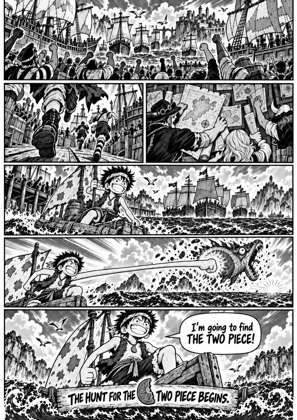
Pick your device in the studio to size pages exactly, or keep the format-only profile. This page pre-selects the EPUB output profile; every setting stays adjustable.
How to convert CB7 to EPUB
Drop your file
Drag a CBZ, CBR, ZIP, RAR, 7Z, PDF or EPUB onto the dropzone. Several volumes can queue at once.
EPUB output is preset
The EPUB output profile is already selected. Pick a device instead at any time to size pages for its exact screen.
Check the preview
The studio previews every processed page before you convert, so you see the result before downloading.
Convert and download
Run the conversion and download your EPUB file, ready for your reader.
CB7 to EPUB, processed for e-ink
Pages are cleaned, resized and repacked by the KCC engine rather than merely re-wrapped, so the result reads well on a real device.
Frequently asked questions
What is EPUB?
EPUB, the open ebook format nearly every reader app and e-reader accepts.
Do I have to pick a device to get EPUB?
Pick your device in the studio to size pages exactly, or keep the format-only profile.
Which input files can I upload?
CBZ, CBR, ZIP, RAR, 7Z, PDF and EPUB. Several files can be queued and converted in one session.
Under the hood this is Kindle Comic Converter (KCC), the open-source tool the community has trusted for years, running in the cloud, so you skip the install and get the same output.
Free, no install, in your browser